
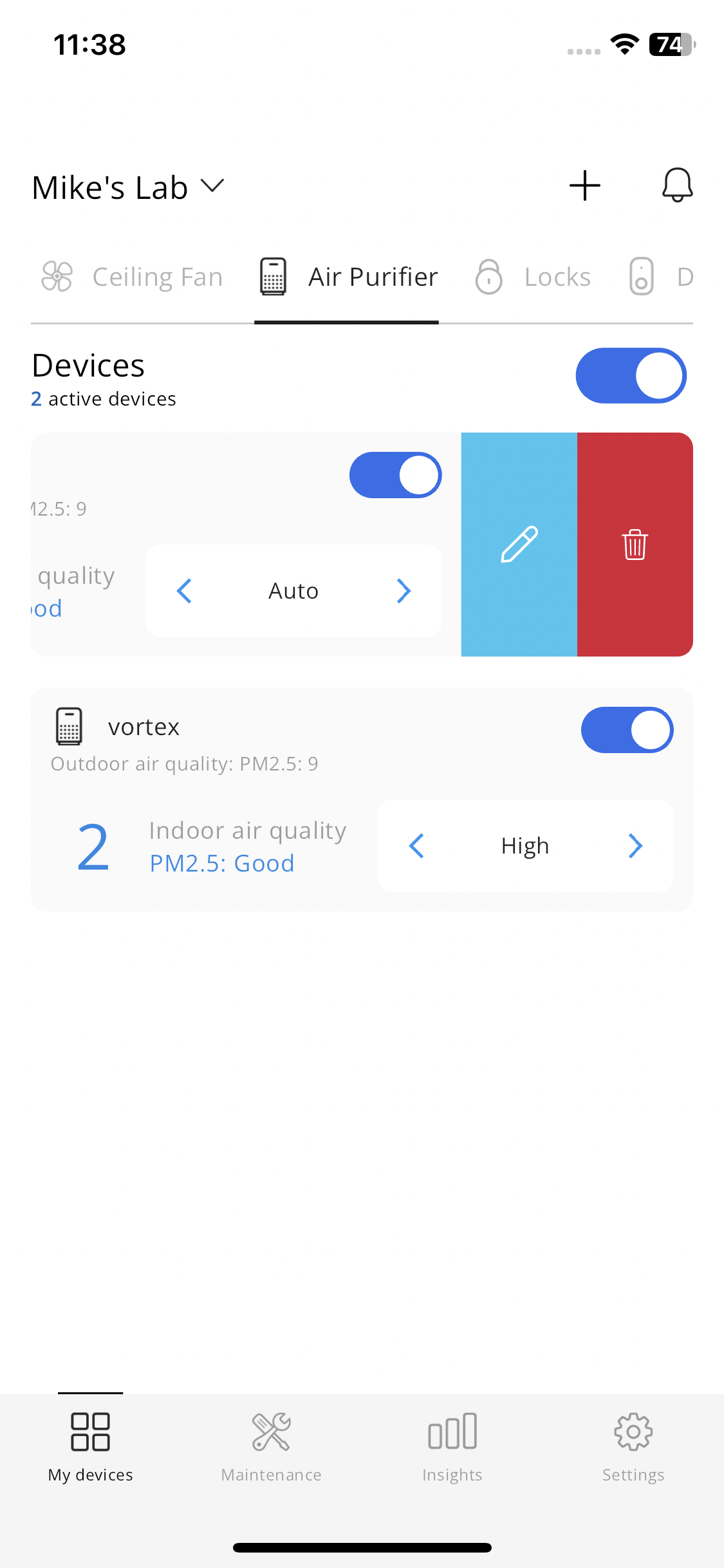
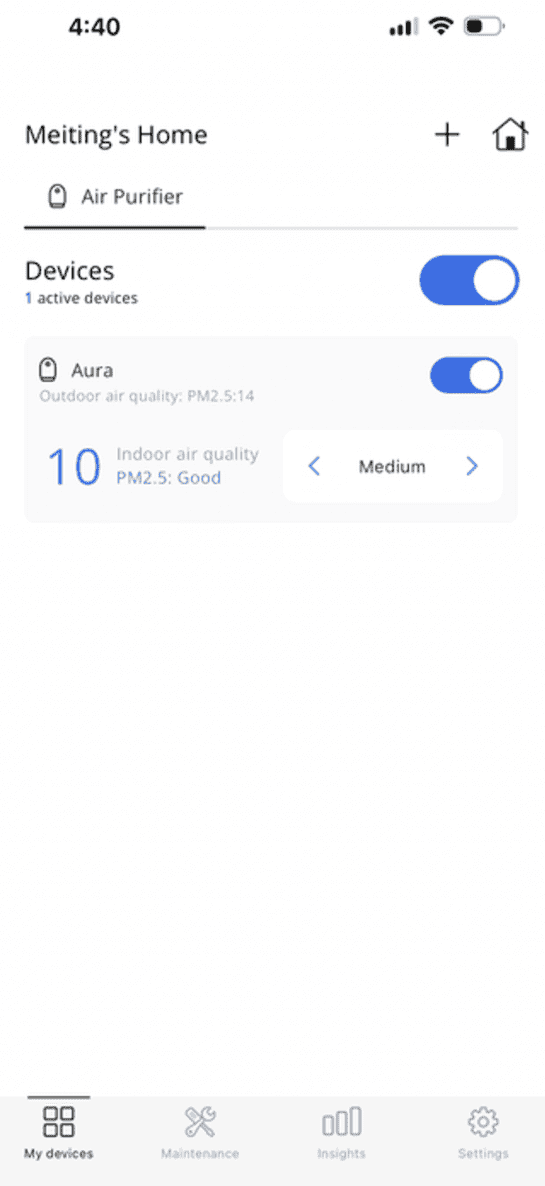
From the My Devices dashboard, swipe left to delete your device
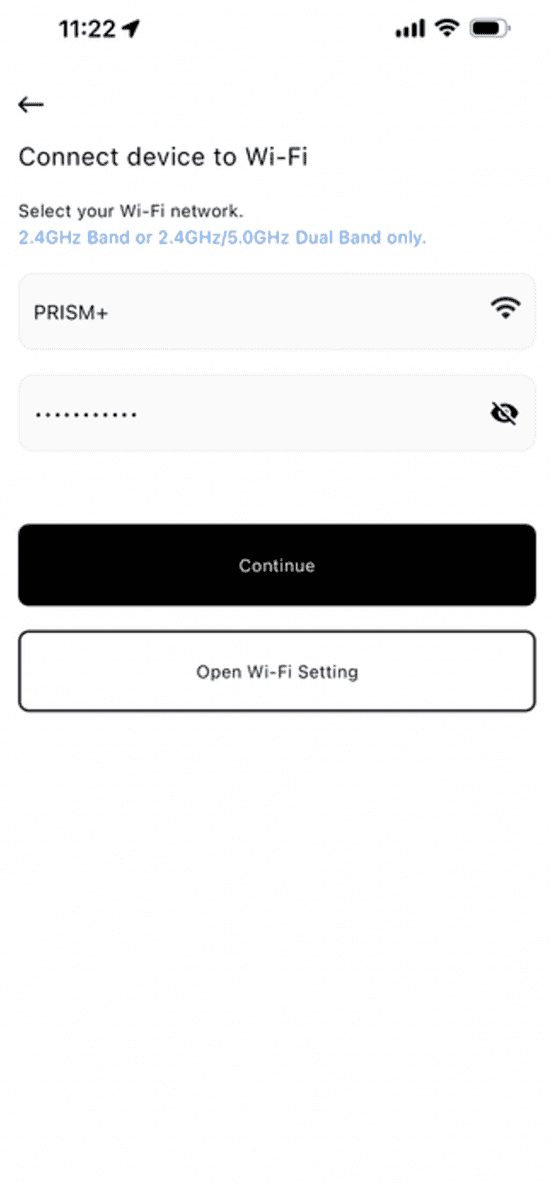
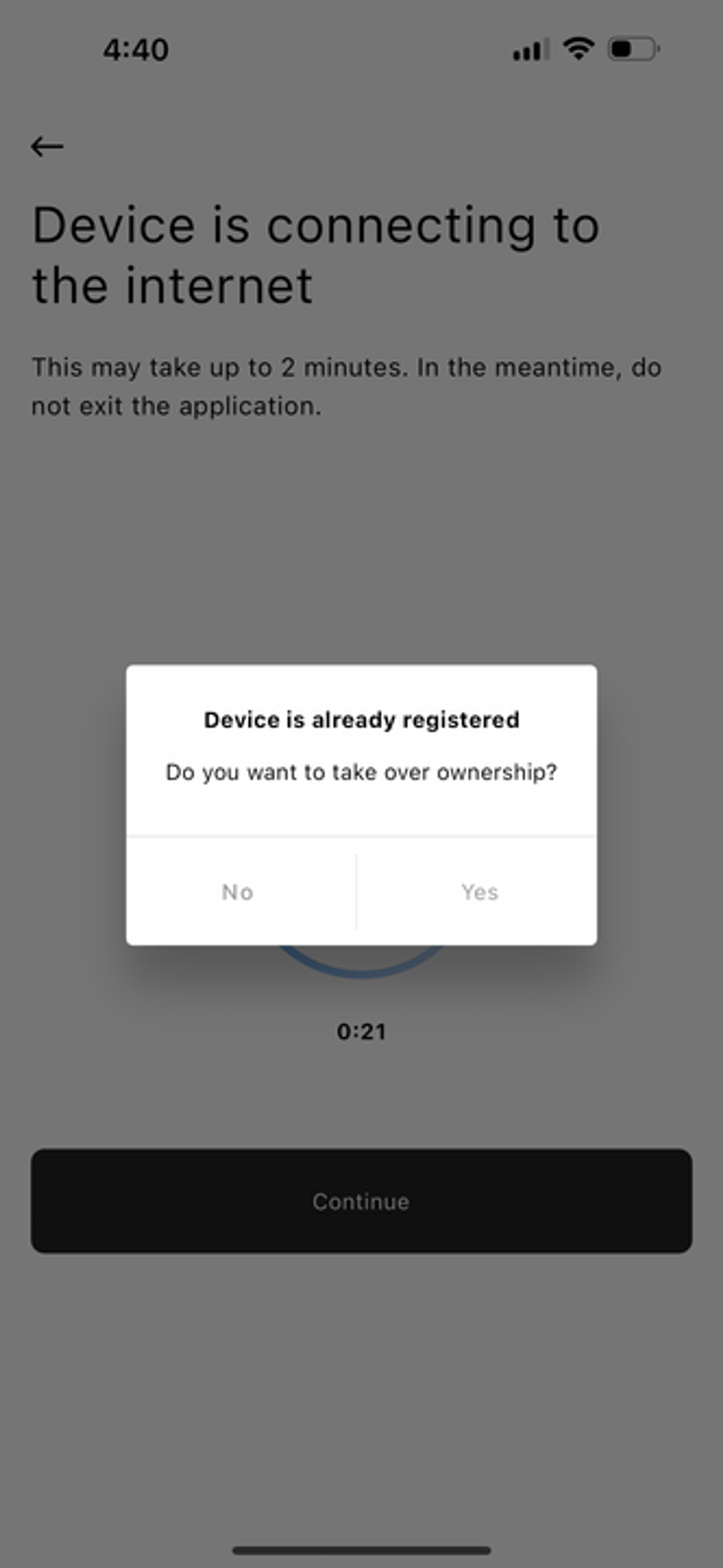
If your PRISM+ Aura has disconnected and you are unable to pair it back, kindly remove the previously paired device and restart the pairing process.
Before You Start:
From the My Devices dashboard, swipe left to delete your device
Click on “add device” or “+” to start pairing process
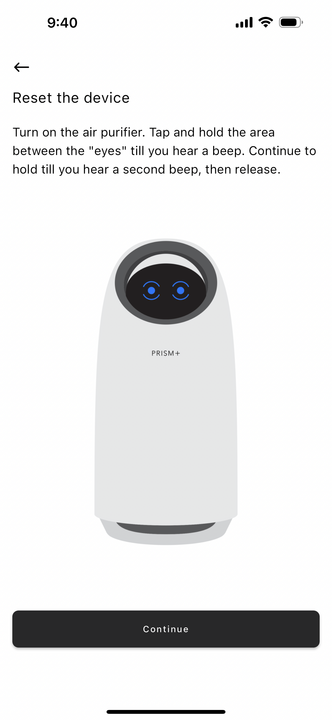
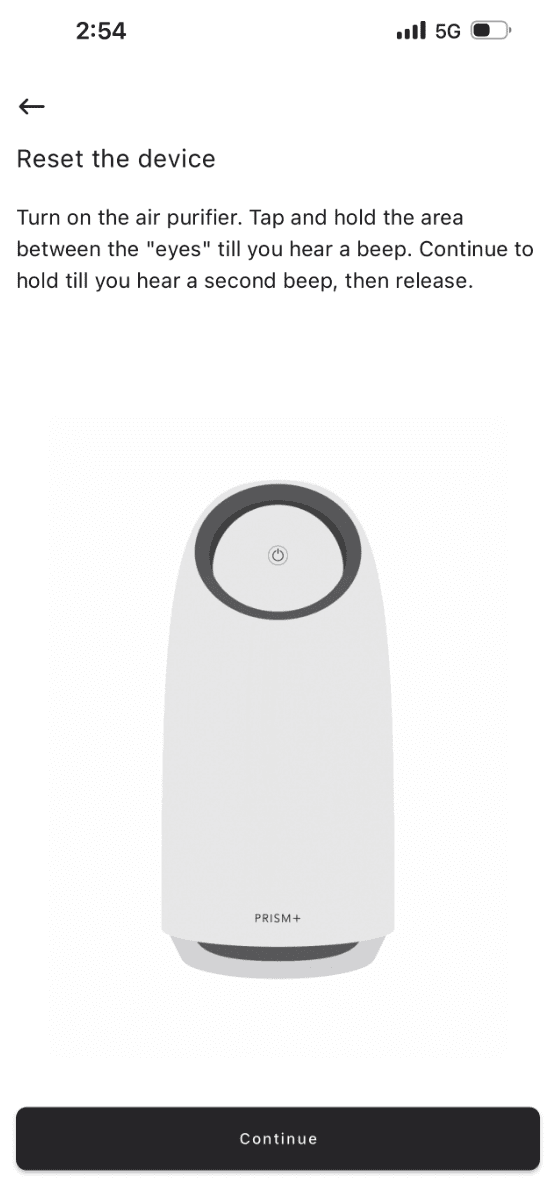
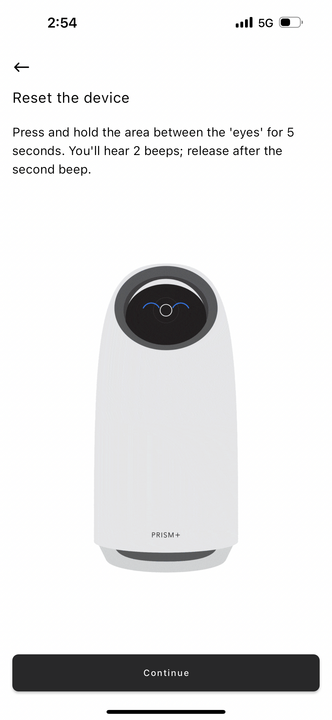
You will be prompted to double check on the unit before “Continue”
Was this troubleshooting helpful?
Your feedback helps us improve every troubleshooting.No problem — send us the details below and a specialist will reply by email. Avg. response under 4 hours during business hours.