
Monitor Screen Size Explained: How to Measure Your Monitor
Monitor sizes (such as 24", 27", 32", or 34") are measured diagonally across the visible screen area, from one corner of the display to the opposite corner.
📏 The measurement excludes the monitor's bezels (the frame surrounding the screen).
How Is Monitor Size Measured?
Monitor manufacturers measure screen size diagonally across the display panel.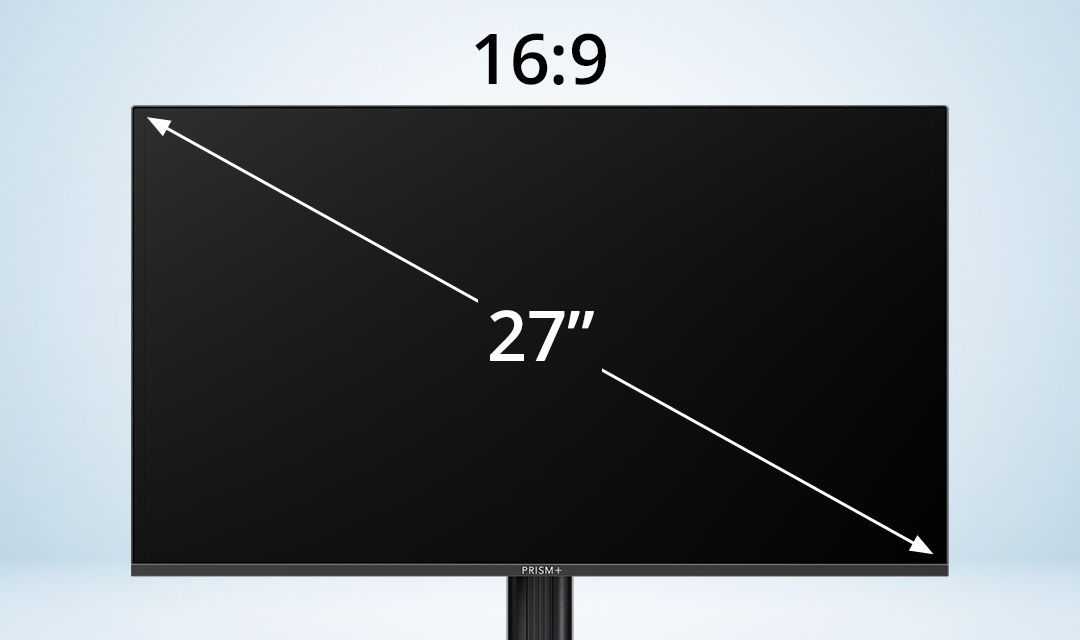
Example
If the diagonal length of a monitor measures approximately 68.6 cm, the screen size would be:
68.6÷2.54≈27
Therefore, the monitor is classified as a 27-inch display.
Why Screen Size Matters
The screen size you choose affects:
- Viewing comfort
- Workspace availability
- Productivity
- Gaming and entertainment experience
A larger screen provides more viewing area, making it easier to multitask and work with multiple applications simultaneously.
Common Monitor Sizes
Was this guide helpful?
Your feedback helps us improve every guide.Didn't find your answer?
No problem — send us the details below and a specialist will reply by email. Avg. response under 4 hours during business hours.