
1 min
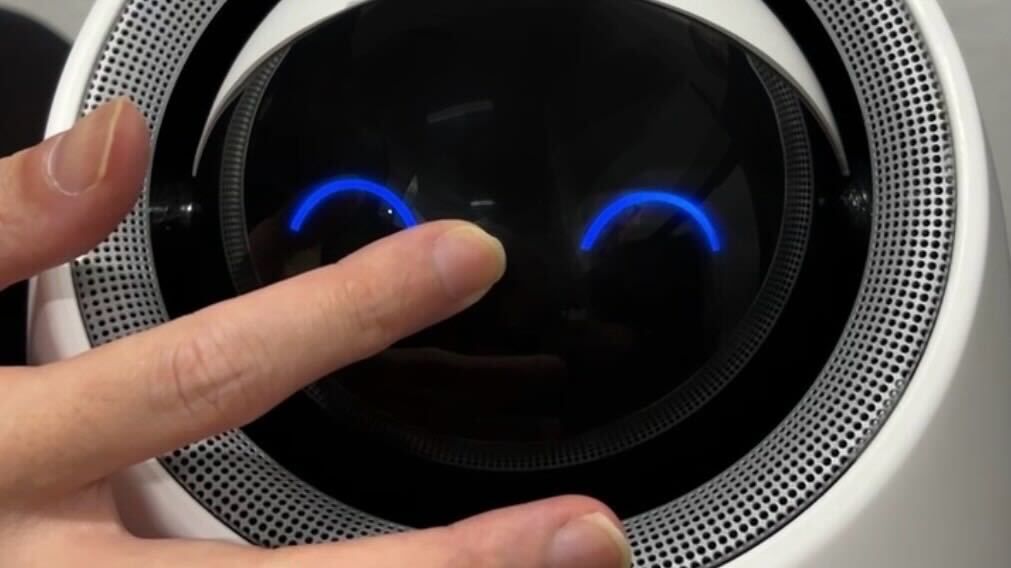
After changing the old filter to the new filter, you will find that the filter health percentage does not revert back to 100% automatically. This is because a filter health percentage reset has to be done on the Aura after the filter change.
Switch off the power/unplug the adapter of the PRISM+ Aura for at least 5 seconds before switching it back on/plugging back the adapter.
The PRISM+ Aura will automatically turn on with a click, and quickly turn the sphere downwards all the way down until you hear a click without touching the power button.
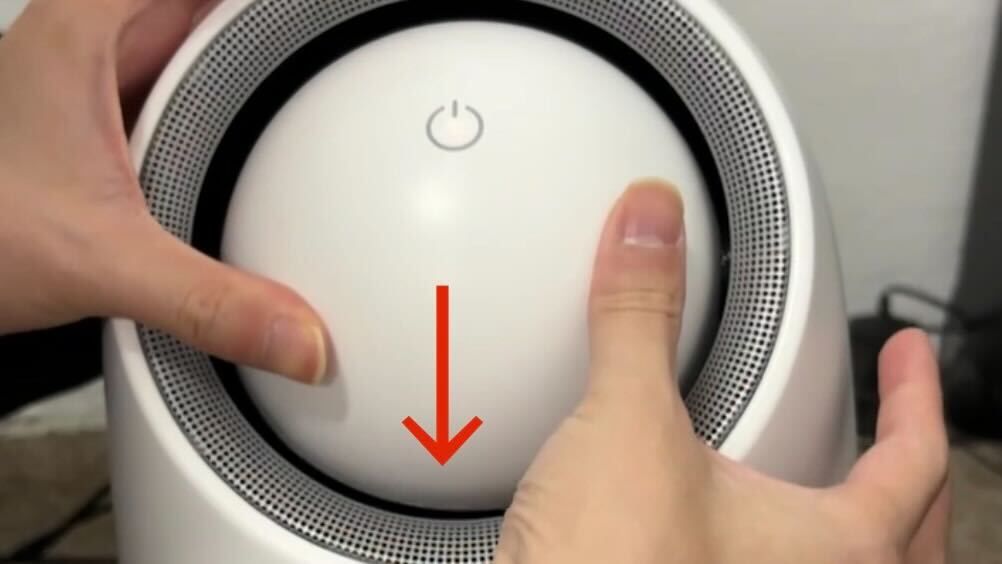
Hold onto the power button until you hear a beep sound (roughly 5 seconds) and let go.
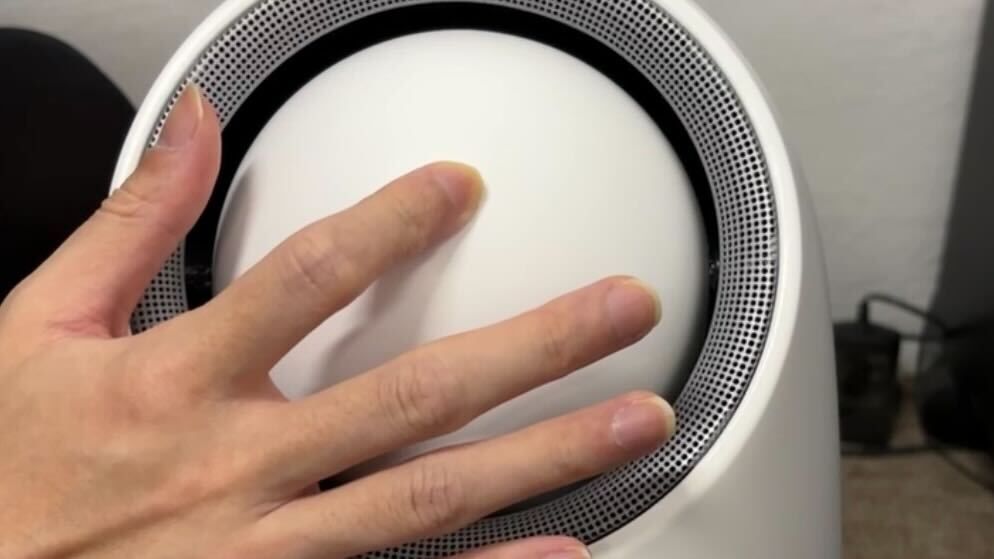
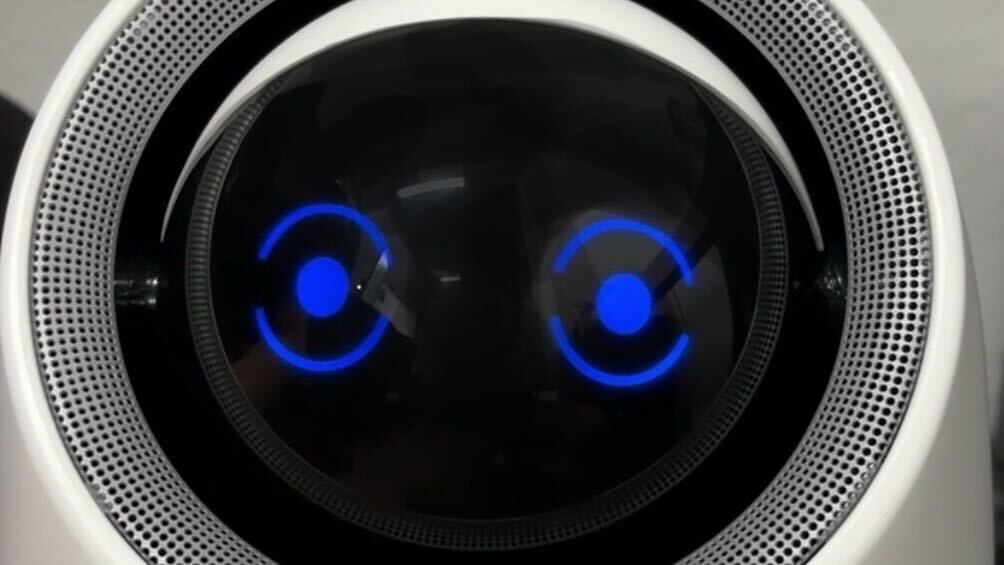
Tap on the power button and the PRISM+ Aura again to turn on with an "open eye" emoji(all LEDs turned on and blinking)
Was this guide helpful?
Your feedback helps us improve every guide.No problem — send us the details below and a specialist will reply by email. Avg. response under 4 hours during business hours.